How do I install the Treendly WordPress plugin?
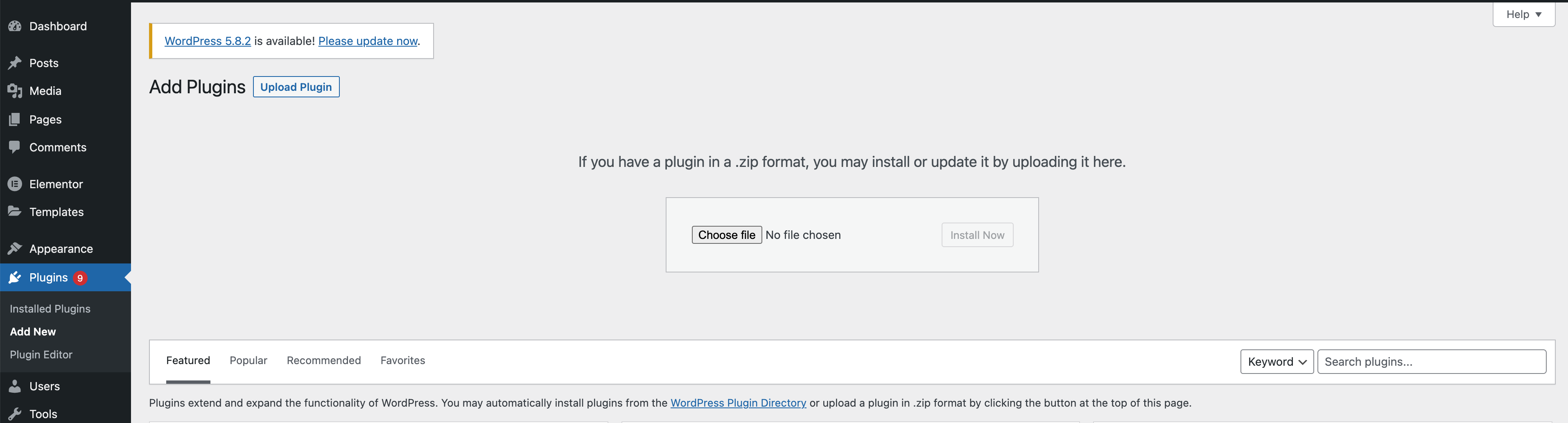
Download the plugin.zip file from our site, go to your WordPress admin panel, click Plugins > Add New > Upload Plugin, select the zip file, and click Install Now. Activate the plugin and you're ready to go.
What shortcode parameters are available?
The shortcode supports three parameters: term (the keyword to chart), region (a two-letter country code like US, GB, DE), and view (either 1 for a 1-year chart or 5 for a 5-year chart). Example: [trends term="yoga" region="US" view="5"].
Is the WordPress plugin free?
Yes, the Treendly WordPress plugin is completely free. No account or subscription is required to embed trend charts on your site.
What data does the trend chart show?
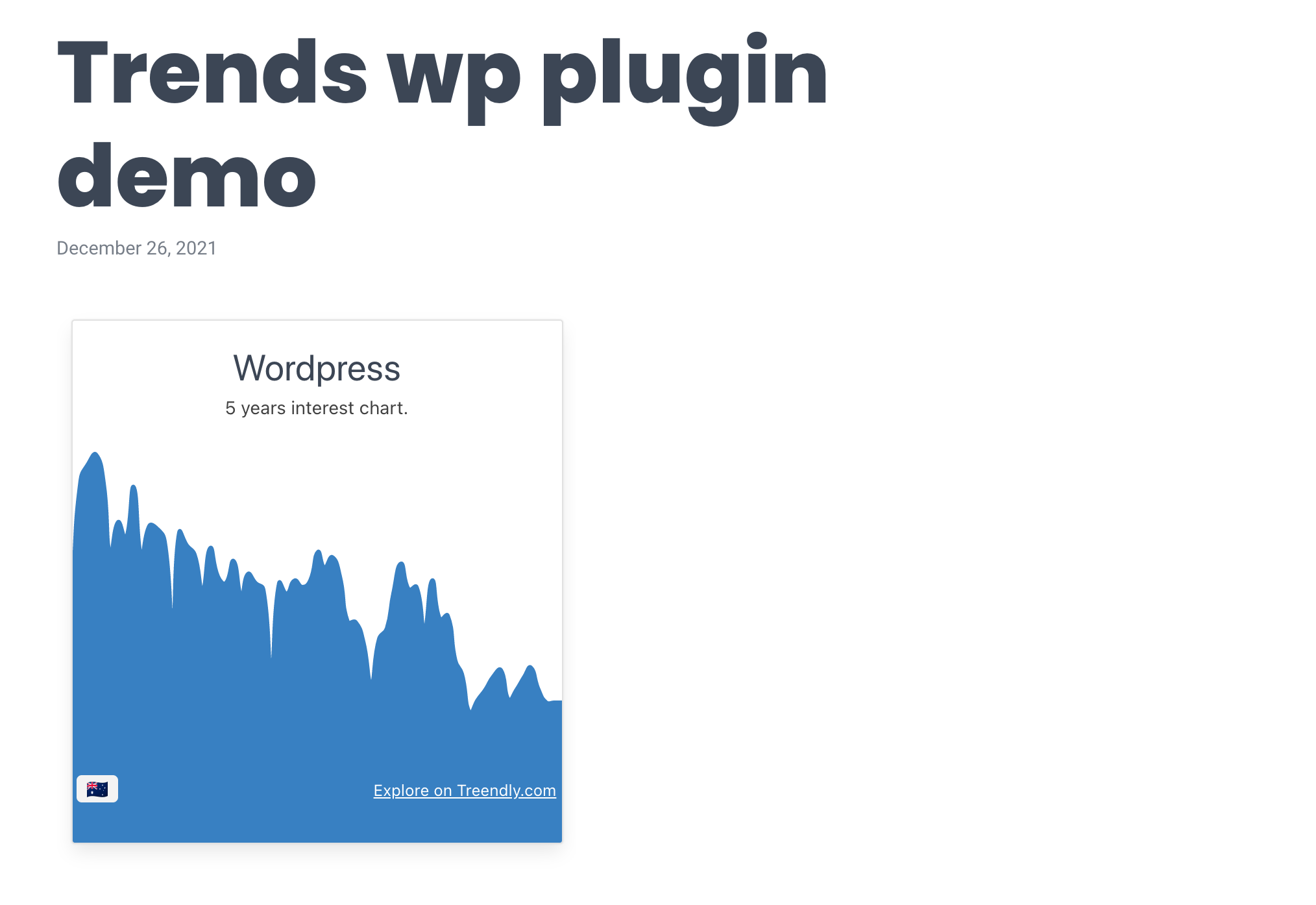
The chart displays Google Trends interest-over-time data for your chosen keyword and region. You can show either the last 12 months or the last 5 years of search interest.